Instalação
Coloque o Zenovay Analytics em funcionamento no seu site em apenas alguns minutos.
Início Rápido
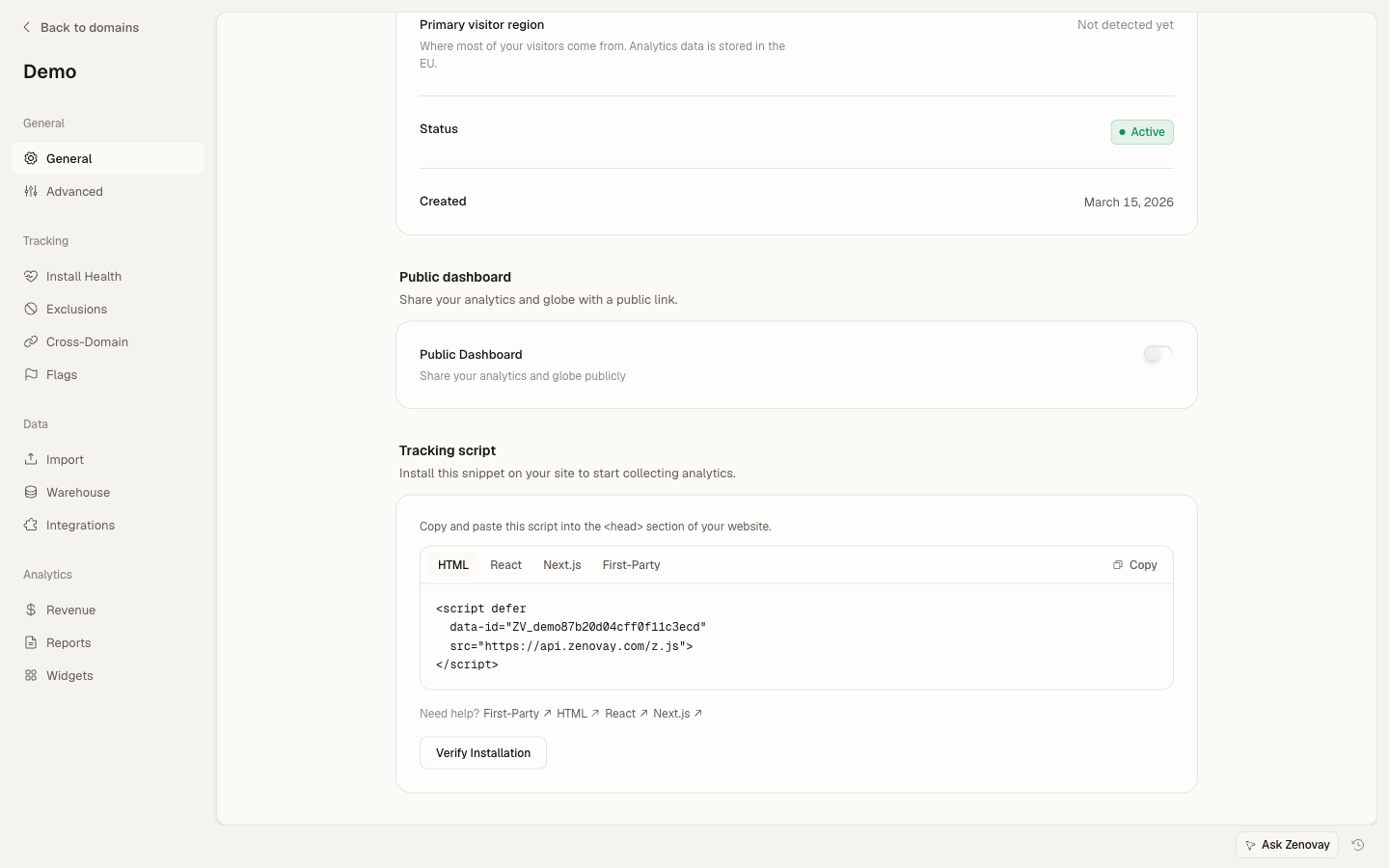
Adicione nosso script de rastreamento à tag <head> do seu site:
<!-- Zenovay Analytics -->
<script defer
data-tracking-code="YOUR_TRACKING_CODE"
src="https://api.zenovay.com/z.js">
</script>
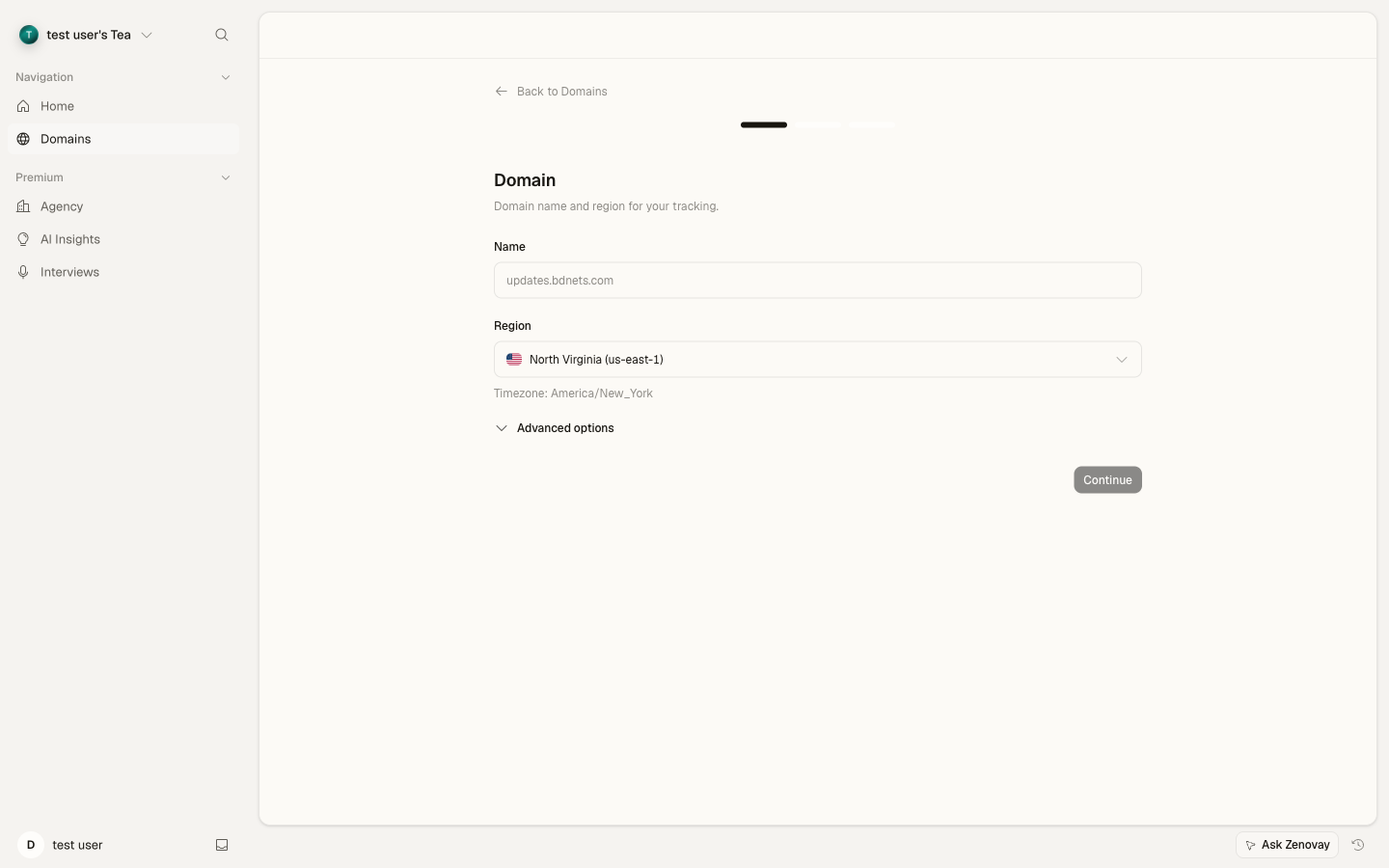
Substitua YOUR_TRACKING_CODE pelo código de rastreamento exibido em Domains → seu site → General (cartão do script de rastreamento). Para adicionar seu primeiro site, vá a Domains → Add domain.
Instalar via npm
Se você trabalha com um bundler (Next.js, Nuxt, SvelteKit, Vite, webpack, esbuild, etc.), pode instalar o Zenovay como pacote npm e chamar init() a partir do seu código em vez de adicionar uma tag <script> no HTML.
O pacote é publicado como @zenovay/tracker.
npm install @zenovay/trackerimport { init, track } from '@zenovay/tracker';
init('YOUR_TRACKING_CODE');
// Later, from any component or handler:
track('Signup clicked', { source: 'hero' });A chamada init() injeta o mesmo loader https://api.zenovay.com/z.js que a tag <script> usa — o comportamento de wire-format é idêntico. O pacote npm é um wrapper fino, não um fork do código-fonte do rastreador, portanto você sempre obtém o rastreador de produção mais recente sem precisar atualizar uma dependência.
Escolhendo entre os dois métodos de instalação
| Método | Recomendado para |
|---|---|
Tag <script> | Páginas HTML estáticas, WordPress, Shopify, HTML simples sem bundler |
@zenovay/tracker npm | Aplicações modernas com bundler onde você quer chamadas track, identify, goal com segurança de tipo |
O pacote npm é uma opção de instalação adicional — não é um substituto para a tag de script.
Configuração Específica por Framework
Para frameworks modernos como React, Vue ou Next.js, você adiciona a mesma tag de script dentro do template HTML do seu app ou layout raiz. Veja os guias específicos do framework para mais detalhes:
Após o script ser carregado, você pode usar o objeto global window.zenovay para rastrear eventos personalizados:
// Track a custom event
zenovay('track', 'button_click', {
button_id: 'signup-cta',
page: '/pricing'
});

// Identify a user
zenovay('identify', 'user_123', {
email: '[email protected]',
plan: 'pro'
});
Rastreamento Lado do Servidor
Para aplicações lado do servidor (Node.js, Express, etc.), use a API Externa do Zenovay diretamente com fetch. Nenhum pacote npm é necessário. Veja o Node.js Quickstart ou Express.js Quickstart para mais detalhes.
Verificação
Após a instalação, você pode verificar se o Zenovay está funcionando corretamente:
- Visite seu site
- Abra as ferramentas do desenvolvedor do navegador
- Verifique a guia Network para requisições para
zenovay.com - Abra Domains → seu site → Analytics para ver dados em tempo real
Seus dados analíticos devem começar a aparecer no seu painel em 5 minutos!
Próximas Etapas
Ferramentas gratuitas relacionadas
Quer saber quanto tráfego uma configuração de analytics comum perde por causa de bloqueadores de anúncios e proteção contra rastreamento? Analise seu site com nosso Verificador de Precisão de Analytics gratuito.