Rastreamento de Primeira Parte com Astro
Configure um proxy de primeira parte em seu projeto Astro usando rotas de API. Funciona com modos estático e SSR.
Dificuldade: Fácil - Adicione um arquivo de rota de API ao seu projeto.
Por Que Isso Funciona (Mesma Origem)
Esta abordagem usa /api/_z/script.js que está na mesma origem do seu website. Firefox ETP e outras proteções de rastreamento apenas bloqueiam solicitações cross-origin.
- O navegador vê:
seudominio.com/api/_z/script.js— mesma origem, sem bloqueio cross-origin - A rota de API do Astro proxifica a solicitação para o servidor Zenovay (o navegador nunca vê isso)
- Toda proteção de rastreamento é contornada porque a solicitação é de primeira parte
Antes de Começar
Certifique-se de que você tem:
- Um projeto Astro (v2.0+ recomendado)
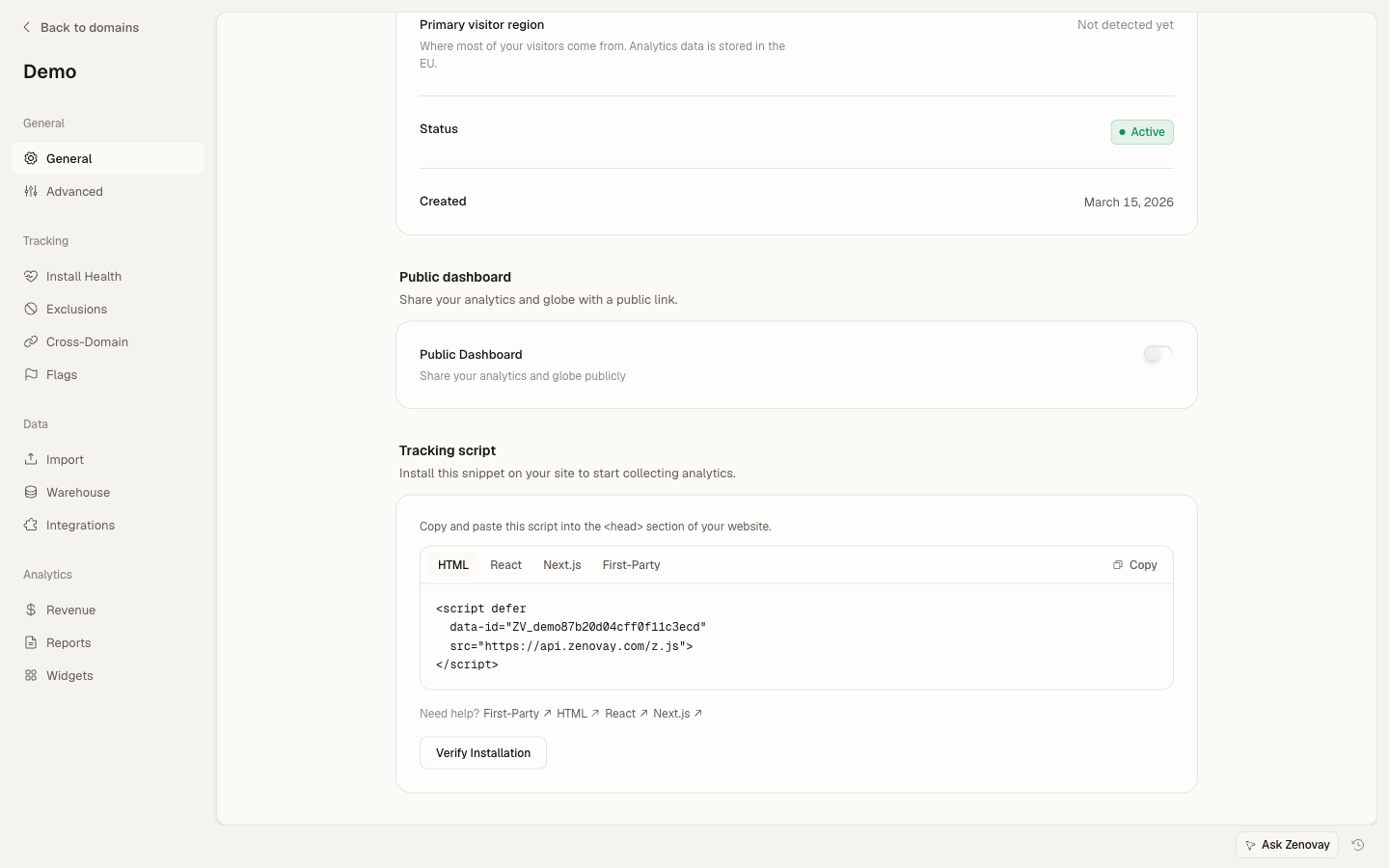
- Seu código de rastreamento Zenovay (encontrado em Domains → seu domínio → General)
- Adaptador SSR instalado (para Vercel, Netlify, Cloudflare, Node, etc.)
Formato do Seu Código de Rastreamento
Seu código de rastreamento se parece com: ZV_XXXXXXXXXX
- Começa com
ZV_ - Seguido de 10 caracteres (letras e números)
- SENSÍVEL A MAIÚSCULAS E MINÚSCULAS - copie exatamente
Exemplo: ZV_Q8U0GYD70WR
Sites estáticos: Se você estiver usando output: 'static', as rotas de API do Astro não funcionarão. Use o proxy da sua plataforma de hospedagem (rewrites do Vercel, redirects do Netlify, etc.).
Passo 1: Ativar SSR (se ainda não estiver)
Primeiro, certifique-se de que seu projeto Astro tem SSR habilitado com um adaptador.
Para Vercel
npm install @astrojs/vercelimport { defineConfig } from 'astro/config';
import vercel from '@astrojs/vercel/serverless';
export default defineConfig({
output: 'server', // ou 'hybrid' para SSR parcial
adapter: vercel(),
});Para Netlify
npm install @astrojs/netlifyimport { defineConfig } from 'astro/config';
import netlify from '@astrojs/netlify';
export default defineConfig({
output: 'server',
adapter: netlify(),
});Para Cloudflare
npm install @astrojs/cloudflareimport { defineConfig } from 'astro/config';
import cloudflare from '@astrojs/cloudflare';
export default defineConfig({
output: 'server',
adapter: cloudflare(),
});Para Node.js
npm install @astrojs/nodeimport { defineConfig } from 'astro/config';
import node from '@astrojs/node';
export default defineConfig({
output: 'server',
adapter: node({
mode: 'standalone'
}),
});Passo 2: Criar a Rota de API Proxy
Crie uma rota de API que capture tudo e proxifique solicitações para Zenovay:
import type { APIRoute } from 'astro'

export const ALL: APIRoute = async ({ params, request }) => {
// Construir o caminho a partir do parâmetro catch-all
const path = params.path || ''
const url = new URL(request.url)
const targetUrl = `https://api.zenovay.com/fp/${path}${url.search}`

// Manipular solicitações de preflight CORS
if (request.method === 'OPTIONS') {
  return new Response(null, {
    status: 204,
    headers: {
      'Access-Control-Allow-Origin': '*',
      'Access-Control-Allow-Methods': 'GET, POST, OPTIONS',
      'Access-Control-Allow-Headers': 'Content-Type',
    },
  })
}

try {
  // Obter o IP real do cliente para geolocalização precisa
  const clientIP = request.headers.get('x-forwarded-for')?.split(',')[0]
                || request.headers.get('cf-connecting-ip')
                || request.headers.get('x-real-ip')
                || ''

  // Construir headers do proxy
  const headers = new Headers()
  headers.set('Content-Type', request.headers.get('Content-Type') || 'application/json')
  headers.set('X-Zenovay-Real-IP', clientIP)

  // Encaminhar a solicitação
  const response = await fetch(targetUrl, {
    method: request.method,
    headers: headers,
    body: request.method !== 'GET' ? await request.text() : undefined,
  })

  // Construir resposta com headers CORS
  const responseHeaders = new Headers(response.headers)
  responseHeaders.set('Access-Control-Allow-Origin', '*')

  return new Response(response.body, {
    status: response.status,
    headers: responseHeaders,
  })
} catch (error) {
  console.error('Erro do proxy:', error)
  return new Response(JSON.stringify({ error: 'Erro do proxy' }), {
    status: 502,
    headers: { 'Content-Type': 'application/json' },
  })
}
}
Por que [...path].ts? A sintaxe spread cria uma rota que captura tudo e que captura múltiplos segmentos de caminho. Isso significa que /api/_z/script.js, /api/_z/e/CODE e /api/_z/settings/CODE todos rotam para este único arquivo.
Passo 3: Adicionar o Script de Rastreamento
Adicione o script de rastreamento ao seu layout:
---
interface Props {
title: string;
}

const { title } = Astro.props;
---

<!doctype html>
<html lang="en">
<head>
  <meta charset="UTF-8" />
  <meta name="viewport" content="width=device-width, initial-scale=1.0" />
  <title>{title}</title>

  <!-- Zenovay Analytics (Proxy de Primeira Parte) -->
  <script defer data-tracking-code="SEU_CÓDIGO_DE_RASTREAMENTO" src="/api/_z/script.js"></script>
</head>
<body>
  <slot />
</body>
</html>
Importante: Substitua SEU_CÓDIGO_DE_RASTREAMENTO pelo seu código de rastreamento real do painel Zenovay.
Passo 4: Implantar
Implante seu projeto Astro em sua plataforma escolhida:
# Construir o projeto
npm run build

# Implantar (depende do seu adaptador)
# Vercel: vercel deploy
# Netlify: netlify deploy --prod
# Cloudflare: wrangler pages deploy dist
Modo Híbrido (Recomendado)
Se a maioria do seu site é estática mas você precisa do proxy, use modo híbrido:
import { defineConfig } from 'astro/config';
import vercel from '@astrojs/vercel/serverless';

export default defineConfig({
output: 'hybrid', // Estático por padrão, SSR para rotas específicas
adapter: vercel(),
});
Em seguida, marque a rota de API para renderização do servidor:
// Forçar renderização do servidor para esta rota
export const prerender = false;

import type { APIRoute } from 'astro'

export const ALL: APIRoute = async ({ params, request }) => {
// ... resto do código do proxy
}
Verificar se Está Funcionando
Verificar a Aba de Rede
- Visite seu site implantado
- Abra as Ferramentas do Desenvolvedor (F12)
- Vá para a aba Network
- Recarregue a página
- Procure por
/api/_z/script.js
Você deve ver:
- Status: 200
- Domínio: Seu domínio
- Resposta: Código JavaScript
Testar no Firefox
- Abra Firefox
- Configurações → Privacidade e Segurança → Proteção de Rastreamento Aprimorada: Rigorosa
- Visite seu site
- Verifique se o script carrega com sucesso
Solução de Problemas
Erro 404 na Rota de API
Causa: SSR não habilitado ou adaptador não configurado.
Solução:
- Certifique-se de que você tem
output: 'server'ououtput: 'hybrid'emastro.config.mjs - Verifique se você tem um adaptador instalado e configurado
- Para modo híbrido, adicione
export const prerender = false;à rota de API
Erro 500
Causa: Erro de sintaxe ou problema de tempo de execução na rota de API.
Solução:
- Verifique os logs do servidor para mensagens de erro detalhadas
- Certifique-se de que os tipos TypeScript estão corretos
- Verifique se todas as importações estão disponíveis
Script Carrega Mas Sem Dados
Causa: Incompatibilidade de código de rastreamento.
Solução:
- Verifique se
data-tracking-codecorresponde ao seu código no painel Zenovay - Verifique o console do navegador para erros de JavaScript
- Certifique-se de que o domínio está registrado em Zenovay
Geolocalização Errada
Causa: IP do cliente não sendo encaminhado corretamente.
Solução: A rota de API tenta múltiplos headers. Certifique-se de que sua plataforma encaminha um destes:
x-forwarded-for(mais comum)cf-connecting-ip(Cloudflare)x-real-ip(nginx)
Alternativa para Site Estático
Se você estiver usando output: 'static', não poderá usar rotas de API. Em vez disso, use o proxy da sua plataforma de hospedagem:
Vercel
{
"rewrites": [
  { "source": "/api/_z/:path*", "destination": "https://api.zenovay.com/fp/:path*" }
]
}
Netlify
/api/_z/* https://api.zenovay.com/fp/:splat 200Cloudflare Pages
Use Cloudflare Pages Functions em vez disso - veja o guia do Cloudflare Pages.
Exemplo Completo
my-astro-site/
├── astro.config.mjs
├── src/
│   ├── layouts/
│   │   └── Layout.astro
│   └── pages/
│       ├── index.astro
│       └── api/
│           └── _z/
│               └── [...path].ts
└── package.jsonimport { defineConfig } from 'astro/config';
import vercel from '@astrojs/vercel/serverless';
export default defineConfig({
output: 'hybrid',
adapter: vercel(),
});---
const { title } = Astro.props;
---
<!doctype html>
<html lang="en">
<head>
<meta charset="UTF-8" />
<title>{title}</title>
<script defer data-tracking-code="SEU_CÓDIGO_DE_RASTREAMENTO" src="/api/_z/script.js"></script>
</head>
<body>
<slot />
</body>
</html>Lista de Verificação Final
Antes de terminar, verifique todos estes:
- Astro SSR está habilitado (ou usando rewrites de plataforma de site estático)
- Arquivo de rota de API existe em
src/pages/api/_z/[...path].ts -
export const prerender = falseestá definido (para modo híbrido) - Tag de script usa
/api/_z/script.js(não a URL direta de Zenovay) - Atributo
data-tracking-codecontém seu código de rastreamento correto - Projeto está implantado (não apenas rodando localmente)
- Testado no Firefox com Proteção de Rastreamento Aprimorada definida como Rigorosa
- Visitas aparecendo no painel Zenovay
Próximos Passos
- Eventos Personalizados - Rastrear interações do usuário
- Identificação de Visitante - Vincular análises a usuários
- Solução de Problemas - Mais ajuda com problemas