Discord webhook
Pipe Zenovay events into a Discord channel — useful for engineering team rooms or community-growth war rooms.
Discord's webhooks are channel-scoped. No Discord bot or OAuth needed.
Outbound webhooks are a Pro+ feature. Upgrade your plan to enable them.
1. Create the Discord webhook
- In Discord, open the channel that should receive Zenovay alerts.
- Click the gear icon (Edit Channel) → Integrations → Webhooks → New Webhook.
- Give it a name ("Zenovay Alerts") and an avatar if you want.
- Click Copy Webhook URL — it looks like
https://discord.com/api/webhooks/123456789012345678/XXXXXXXX....
2. Add the webhook in Zenovay
- In
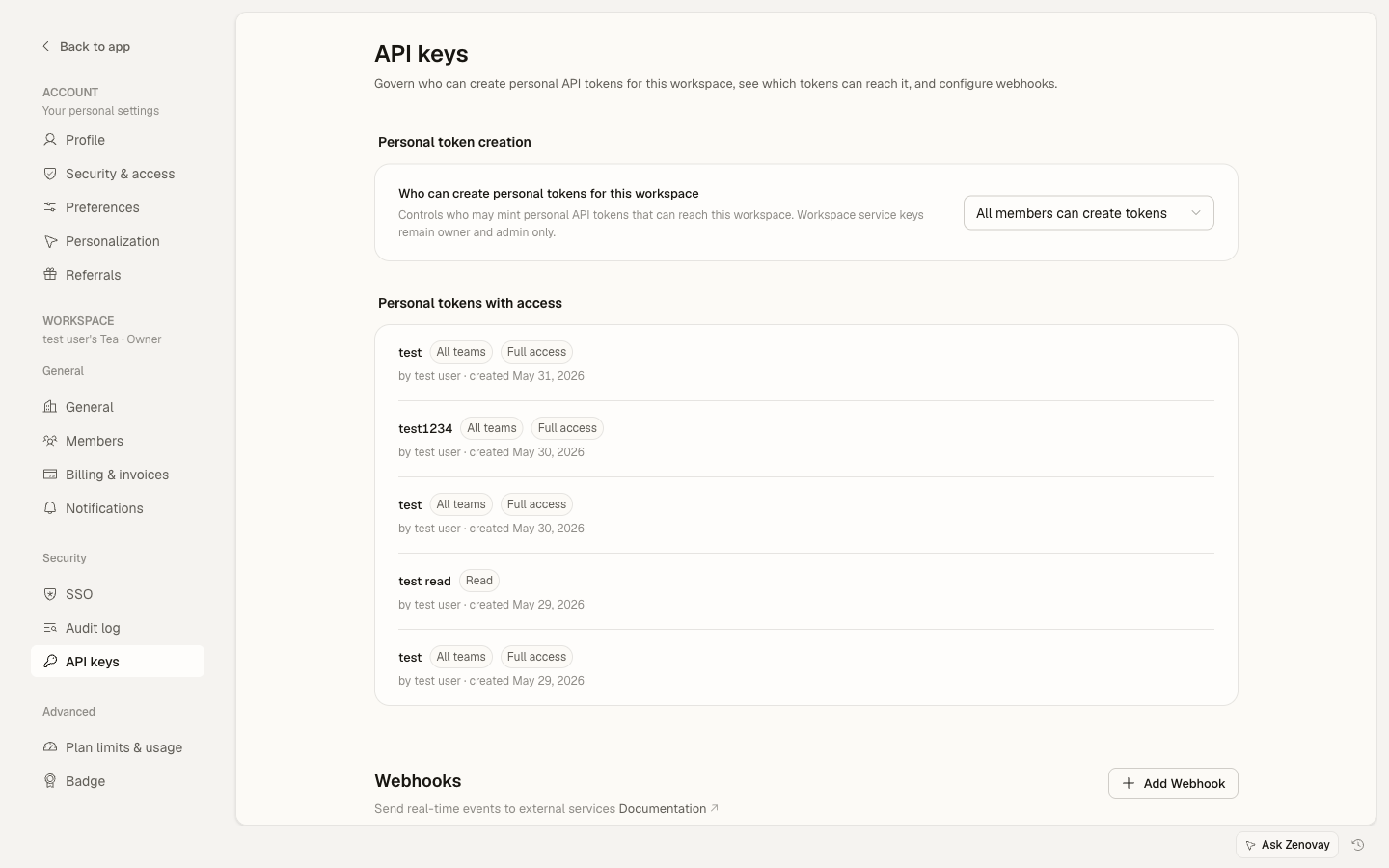
app.zenovay.com, go to Settings → Security → API keys and scroll to the Webhooks section. - Pick the website you want to receive notifications for.
- Click Add webhook.
- Fill in:
- Name:
Discord #ops(or whatever's meaningful) - URL: paste the Discord webhook URL from Step 1
- Events: pick the ones you care about
- Name:
- Click Create webhook.
- Click the Send test event (paper-plane icon) — within ~5 seconds a message should appear in your Discord channel.
Discord accepts arbitrary JSON, but it'll render the raw payload as plain text. For pretty messages, see Step 3.
3. (Optional) Format with Discord embeds
Discord supports rich embeds with colours, fields, and timestamps. Zenovay sends a generic JSON event — to render it as an embed, run a small relay:
// Cloudflare Workers / Node / Vercel — anywhere that runs JS
export default {
  async fetch(req) {
    const event = await req.json();
    const colour = event.event_type === 'website_down' ? 0xdc2626
                 : event.event_type === 'traffic_spike' ? 0x10b981
                 : 0x3b82f6;
    const discordPayload = {
      embeds: [{
        title: `Zenovay: ${event.event_type}`,
        description: `Event for site ${event.website_id}`,
        color: colour,
        fields: [
          { name: 'Event type', value: event.event_type, inline: true },
          { name: 'Time', value: event.timestamp, inline: true },
        ],
        footer: { text: 'Zenovay Analytics' },
      }],
    };
    await fetch(DISCORD_WEBHOOK_URL, {
      method: 'POST',
      headers: { 'Content-Type': 'application/json' },
      body: JSON.stringify(discordPayload),
    });
    return new Response('ok');
  },
};
Point Zenovay's webhook URL at this relay instead of Discord directly.
4. Verify Zenovay's signature
For production relays, verify the HMAC-SHA256 signature so only genuine Zenovay events reach Discord:
import { createHmac } from 'crypto';

const signature = req.headers.get('x-zenovay-signature'); // 'sha256=<hex>'
const provided = signature.replace(/^sha256=/, '');
const expected = createHmac('sha256', YOUR_WEBHOOK_SECRET)
  .update(rawBody)
  .digest('hex');

if (provided !== expected) {
  return new Response('invalid signature', { status: 401 });
}
Your webhook secret is shown in Settings → Security → API keys — click the eye icon on the webhook card in the Webhooks section.
Troubleshooting
- Discord rejects with HTTP 400: Discord's webhook receiver is strict — payloads with unknown top-level keys may get 400. Use the relay in Step 3 to reshape.
- Rate limits: Discord webhooks are rate-limited per channel (~30 messages per minute). For chatty event types like
traffic_spike, batch them in your relay or filter at the Zenovay end. - Test event arrives but real events don't: confirm the right event types are selected in the Zenovay webhook config. The test event uses
event_type: 'test'regardless of what's selected.