Webhooks
Zenovay uses webhooks internally for payment processing and subscription management. This page explains how webhooks work in Zenovay and how to build integrations using the External API.
How Zenovay Uses Webhooks
Zenovay processes inbound webhooks from payment providers and monitoring services. These are internal system webhooks that handle subscription billing and health checks.
Inbound Webhook Sources
| Source | Purpose |
|---|---|
| Stripe | Subscription management, payment processing, checkout completion |
| Uptime Monitoring | Health check triggers from external monitoring services |
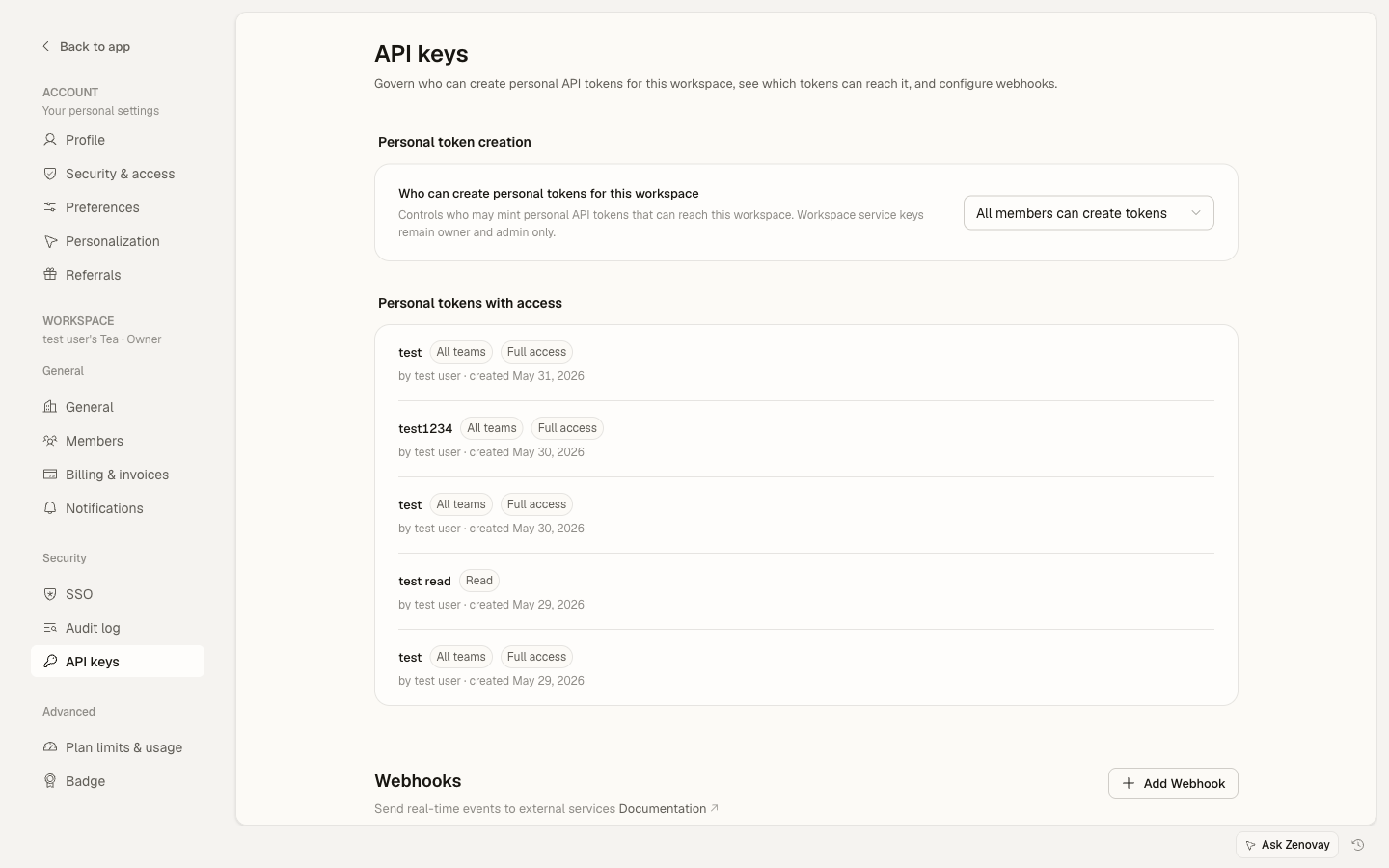
These webhooks are handled internally by the Zenovay API. For outbound webhooks and team API keys, go to Settings → Security → API keys.
Building Integrations
You can build integrations using the External API to pull analytics data into your own systems.
Polling with the External API
Use the External API to periodically fetch analytics data:
const API_KEY = process.env.ZENOVAY_API_KEY;
const WEBSITE_ID = process.env.ZENOVAY_WEBSITE_ID;

async function checkAnalytics() {
const response = await fetch(
  `https://api.zenovay.com/api/external/v1/analytics/${WEBSITE_ID}?timeRange=24h`,
  {
    headers: { 'X-API-Key': API_KEY }
  }
);

const data = await response.json();

// Process the data
if (data.totalVisitors > threshold) {
  await sendNotification(data);
}
}

// Poll every 5 minutes
setInterval(checkAnalytics, 5 * 60 * 1000);
Live Visitor Count
The public live endpoint does not require an API key and can be polled more frequently:
async function getLiveVisitors(trackingCode) {
const response = await fetch(
  `https://api.zenovay.com/live/${trackingCode}`
);
return await response.json();
}
Slack Notification Example
Build a scheduled analytics report that posts to Slack:
async function sendDailyReport() {
const response = await fetch(
  `https://api.zenovay.com/api/external/v1/analytics/${WEBSITE_ID}?timeRange=24h`,
  {
    headers: { 'X-API-Key': API_KEY }
  }
);

const data = await response.json();

await fetch(SLACK_WEBHOOK_URL, {
  method: 'POST',
  headers: { 'Content-Type': 'application/json' },
  body: JSON.stringify({
    text: `Daily Report: ${data.totalVisitors} visitors, ${data.totalPageViews} page views`
  })
});
}
Rate Limits for Integrations
When building polling integrations, respect the External API rate limits:
| Plan | Requests/Minute | Monthly Limit |
|---|---|---|
| Pro | 30 | 10,000 |
| Scale | 60 | 100,000 |
| Enterprise | 120 | 1,000,000 |
External API access requires a paid plan. Free accounts cannot generate API keys or use the External API.
Best Practices
- Cache API responses locally to reduce request frequency
- Use appropriate polling intervals (5 minutes minimum recommended)
- Monitor the
X-RateLimit-Remainingheader to avoid hitting limits - Implement exponential backoff if you receive 429 responses